
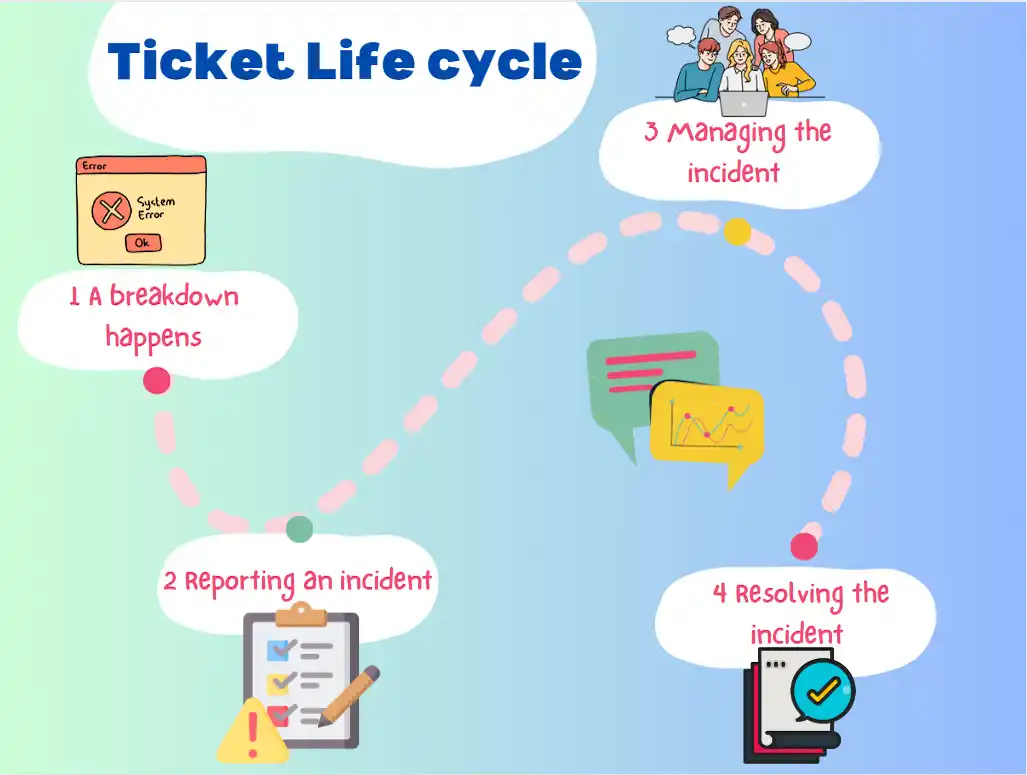
Tickets in SteadyPoint Helpdesk go through multiple stages. This guide walks through those stages and what each one means so you can manage tickets confidently from creation to closure.
Main lifecycle stages
- Open
- In Progress
- Closed
Important: this is the default workflow that comes with the app. You can customize it using the workflow builder to add stages (such as cancel or escalate) or design your own workflow.
Stage 1: Open
Any created ticket that has been assigned receives the status Open.
From this stage, tickets can be reassigned, moved to In Progress, or closed directly if resolved quickly.
1.1 Re-assign ticket
If a ticket is assigned to you by mistake, or another user is better suited, use the edit icon and enter the target assignee’s name or email.
The new assignee receives a notification that the ticket was assigned to them.
1.2 Close ticket
If the issue is resolved, the assignee can mark it fixed and move it directly to Closed.
1.3 Move to In Progress
If resolution needs more time, move the ticket to In Progress so stakeholders know active work has started.
Stage 2: In Progress
In Progress means the team is actively working on the ticket. During this stage, assignees can document updates and resolution details. Once completed, the ticket can be moved to Closed.
Stage 3: Closed
After successful resolution, the ticket reaches its final stage with status Closed. The resolution and original description remain preserved for audit and reference.
If needed, users can still reopen a closed ticket.