
Select a department to assign a ticket to, rather than an individual. Your different departments (e.g., HR / Sales / Finance) will be divided into different teams.
In this blog, we will discuss the process of creating SharePoint groups to be used in SteadyPoint Office 365 ticketing system.
Steps to Create a SharePoint Group
- Access through Settings > Groups and Permissions
- Click on Create a New Group.
- Enter the group name and click Save.
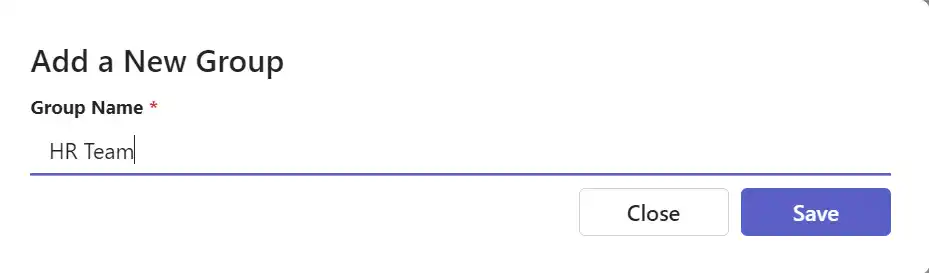
- Click the Edit icon.
- Enter the names of the members to be added, and your team is ready to go!
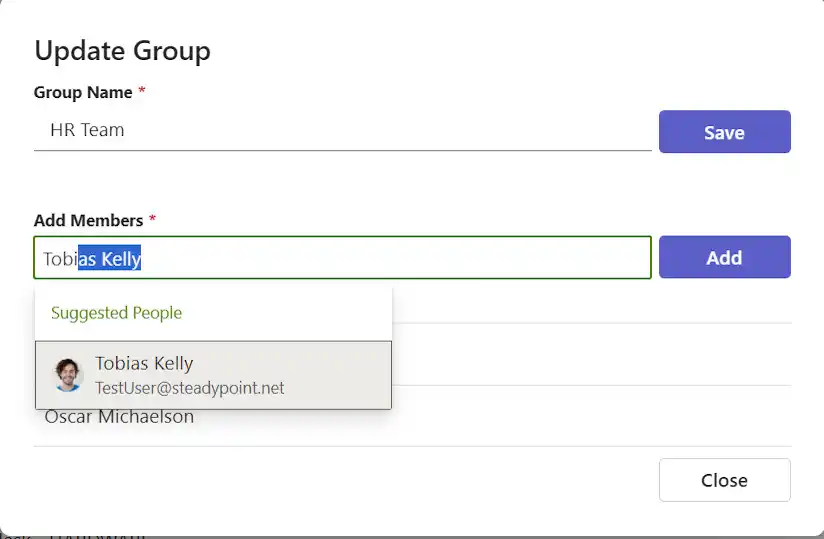
You can now close the page and go back to the Department.