
Setting up user roles helps you control who can manage assets, submit requests, and access administrative features. SteadyPoint Assets includes three user roles, each designed for a different level of access.
In this guide, we'll show you how to assign and manage these roles in SteadyPoint Assets, a Microsoft 365 asset management app.
Ready to try it yourself? Start your free trial of SteadyPoint Assets. For more guides, visit the Assets blog.
User Roles in SteadyPoint Assets
SteadyPoint Assets Admins
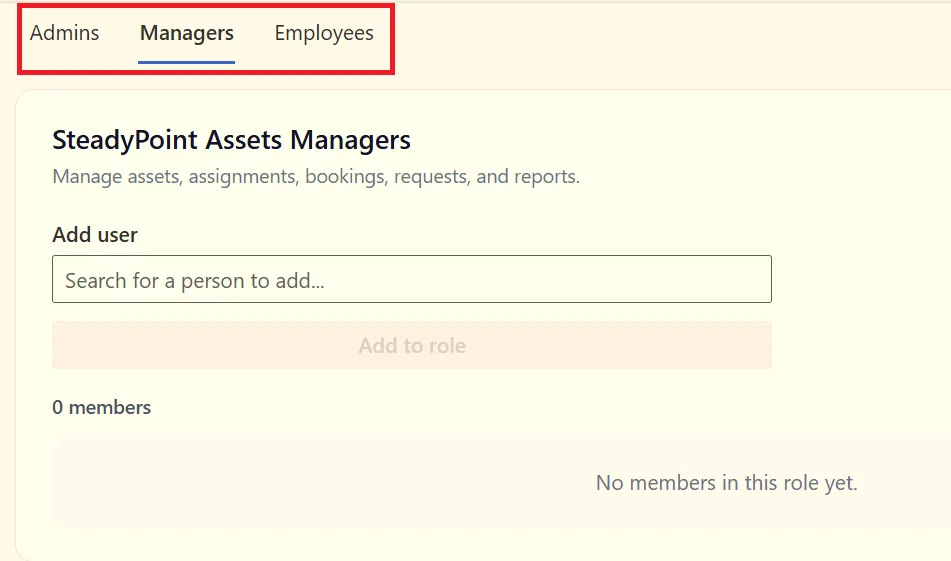
Admins have full access to the application, including Settings, Data Management, and approvals.
SteadyPoint Assets Managers
Managers can manage assets, assignments, bookings, requests, and reports.
SteadyPoint Assets Employees
Employees can view assets assigned to them and submit asset requests.
How to Assign a User Role
To assign a role:
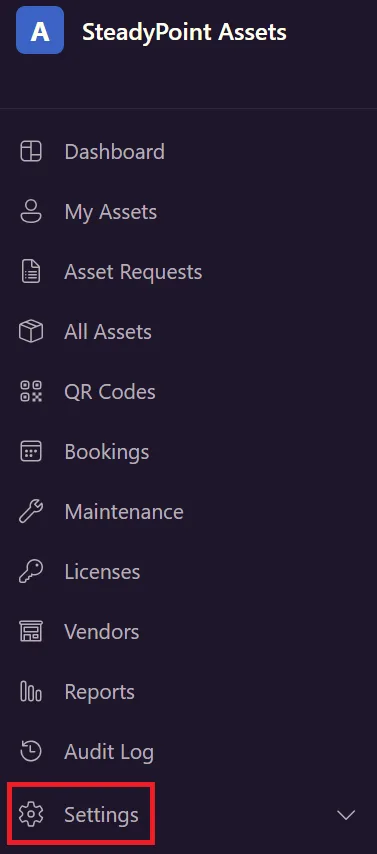
- Go to Settings.
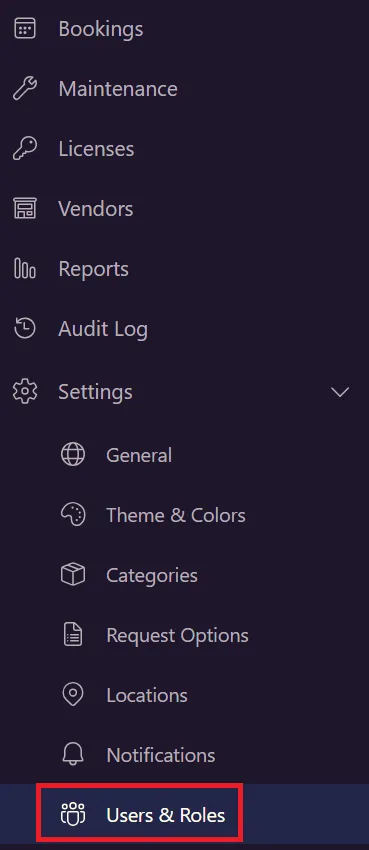
- Select Users and Roles.
- Select the role you want to assign: Admin, Manager, or Employee.
- Under Add User, enter the user's name and select the user.
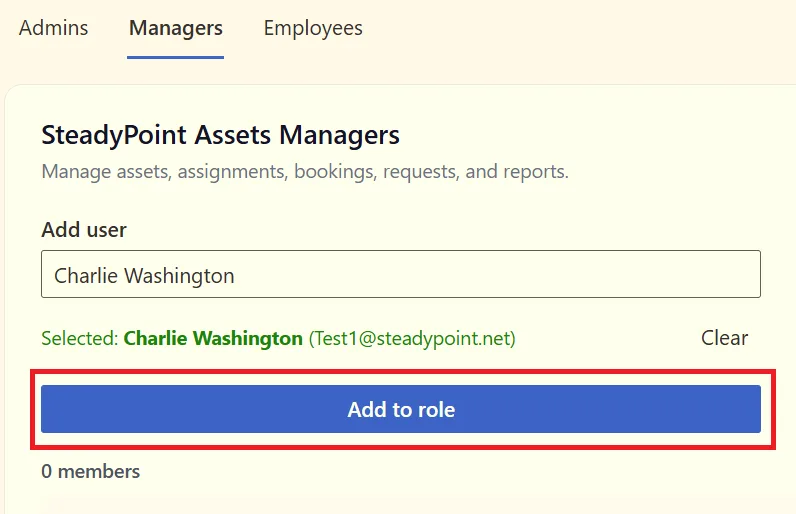
The user will then appear in the list for that role.
How to Remove a User
If you need to remove a user from a role, find their name in the list and click the trash icon next to their name.
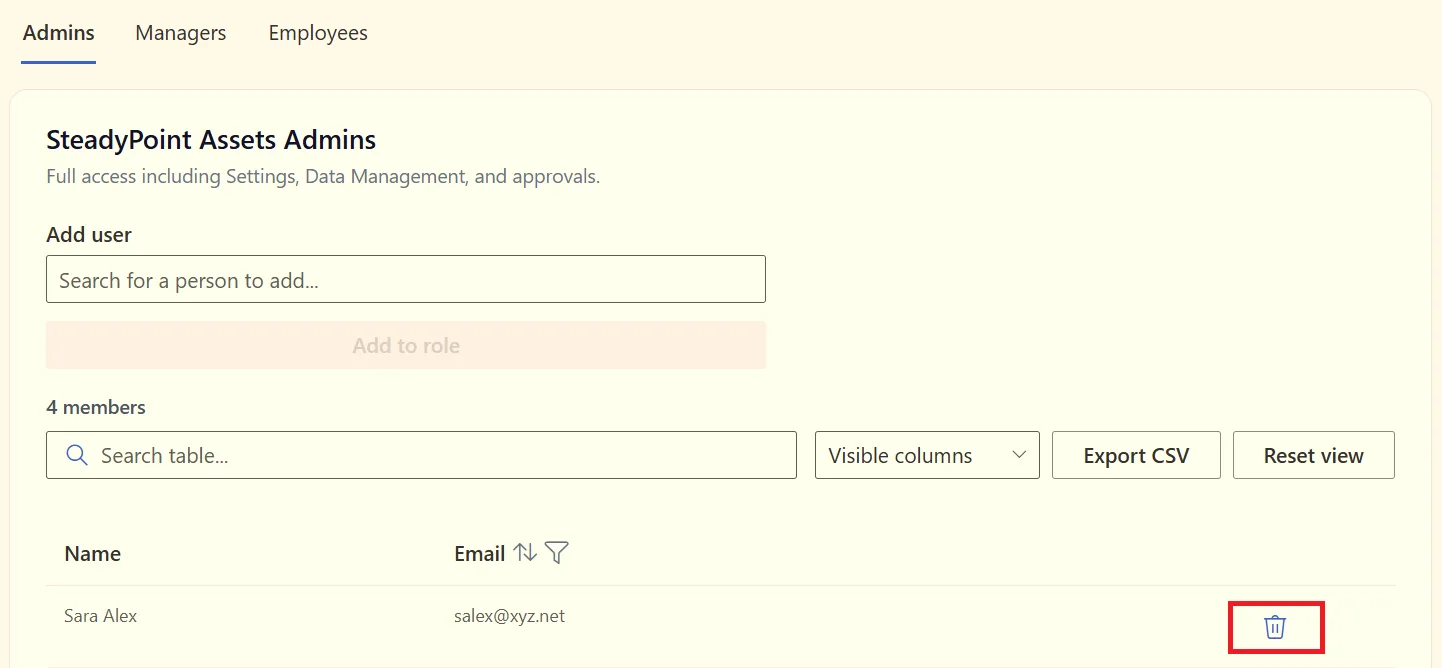
You can assign the user to a different role if their responsibilities change.
Customize the User List
You can choose which information appears in the users list using the Visible column options.
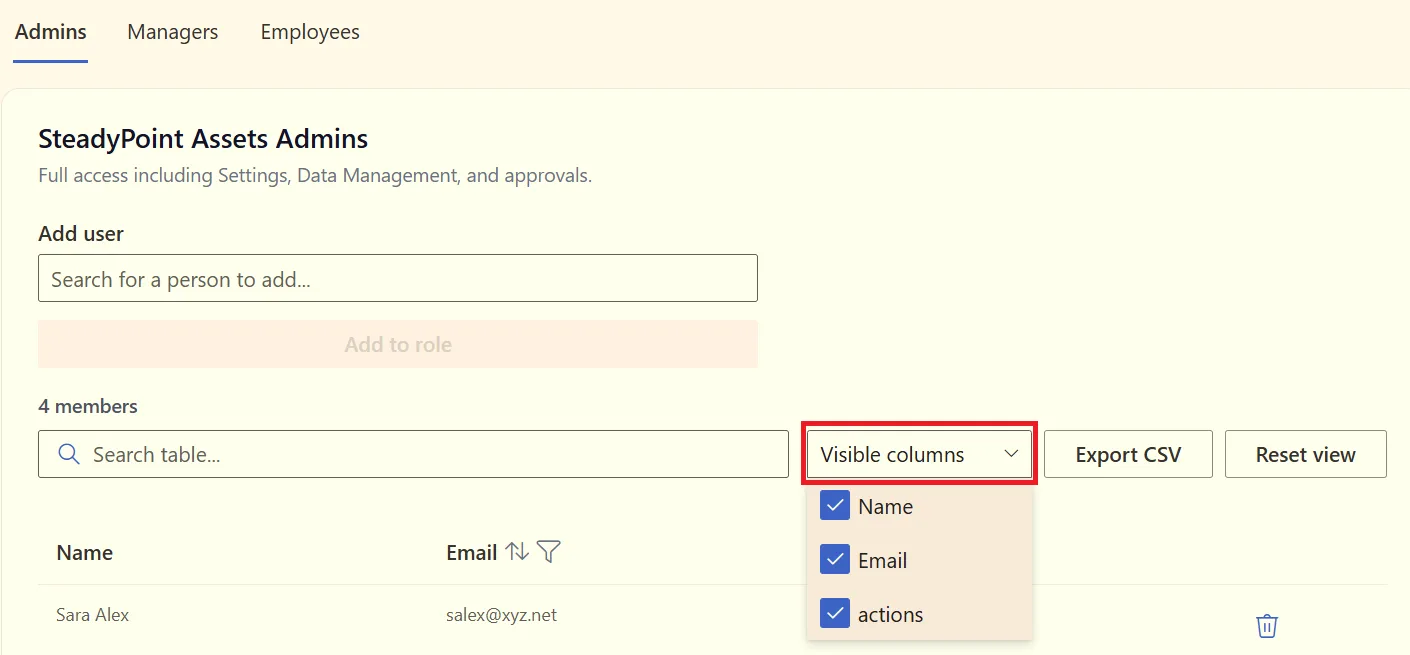
You can show or hide:
- User Name
- Actions
Export Users to CSV
You can also export the users assigned to a role by clicking Export CSV. The exported file can be opened in Excel for review or record keeping.
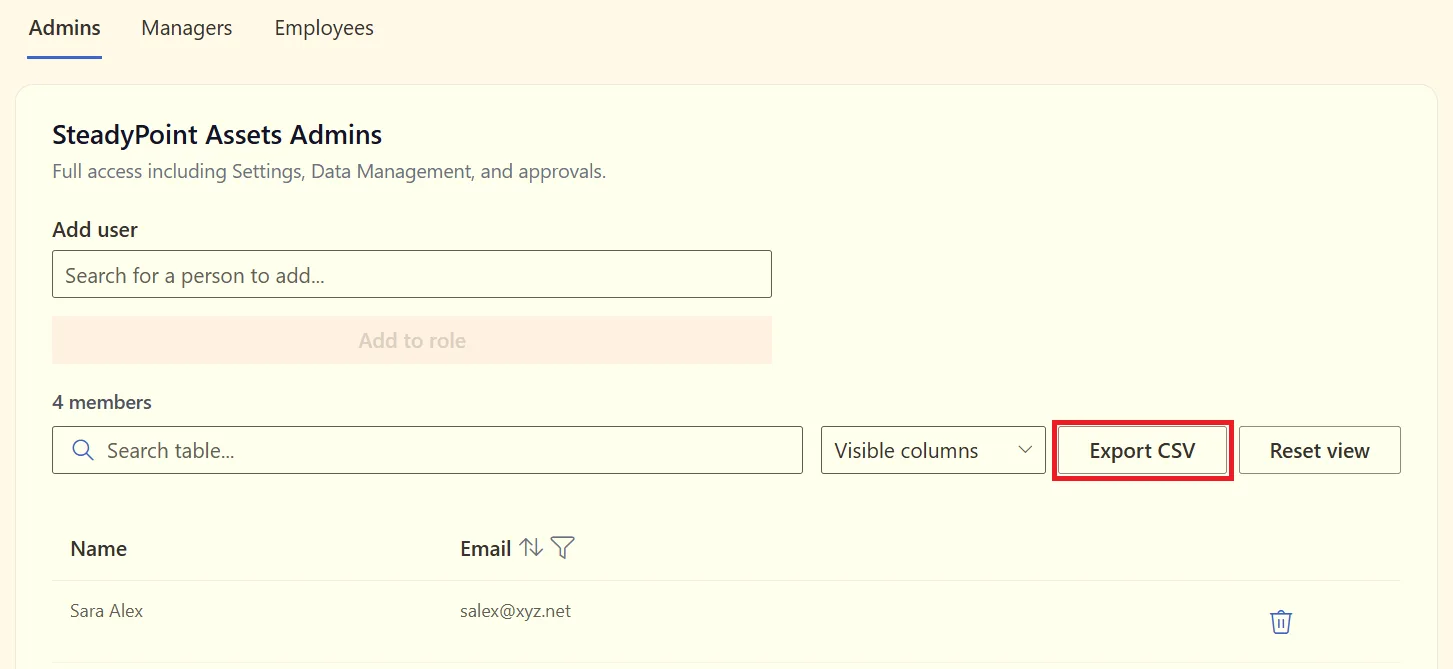
Manage User Access in SteadyPoint Assets
With the right roles in place, each user can access the asset management features they need. SteadyPoint Assets makes it easy to update roles as your team's responsibilities change.
If you are looking for a Microsoft 365 asset management app, SteadyPoint Assets provides a simple way to manage assets and user access in SharePoint.
Ready to organize your assets? Explore SteadyPoint Assets Management and start building your asset inventory today.