
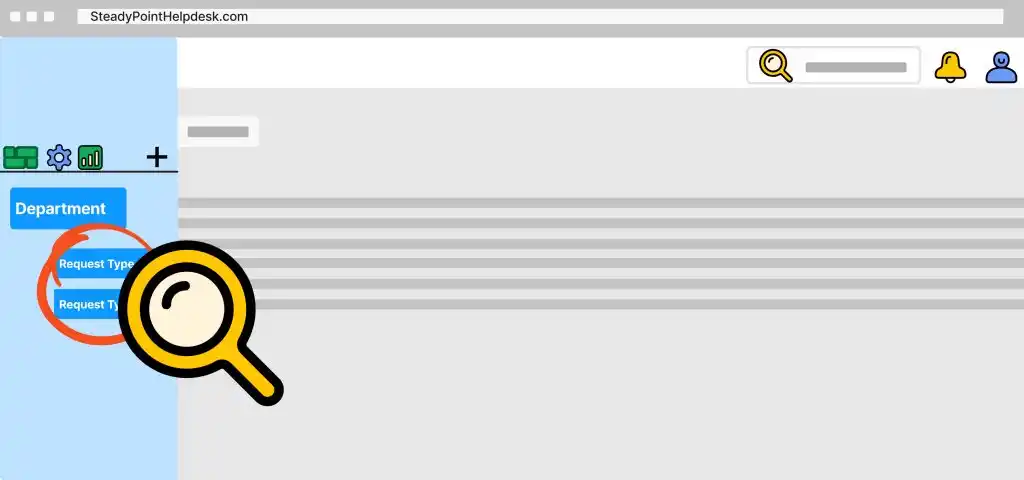
Imagine a well-organized structure where tickets sit neatly within Departments, and each agent handles tasks suited to their skills. This is the core of request types, simplifying support tasks for your team. Request types serve as the second layer of categorization under departments, compulsory for organization. Each type can be assigned to an admin for supervision or a team for processing, with an SLA for resolution time. Within request types, you can design workflows and forms.
❓ Not sure how to categorize your tickets? 👉 Book a free demo and get expert help
This guide will walk you through creating a request type step by step in this SharePoint Helpdesk.
Creating a New Request Type in SteadyPoint SharePoint-based Helpdesk
- To start, click on the ellipsis (…) adjacent to the desired department.
- Select 'Add Request Type' from the options.
- Enter a name and choose the admin group.
The request type admin will have the authority to reassign tickets and update ticket information in cases of employee leave, long vacation, or resignation.
Once created, it will appear under the department module.