
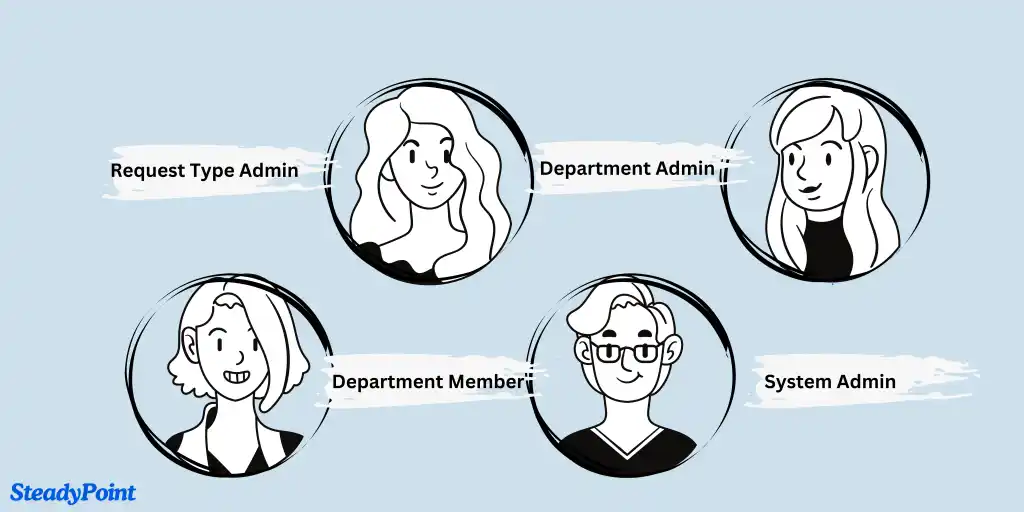
Helpdesk includes multiple user roles with different permissions. Right after installation, the installer account is the initial role holder. This guide explains each role and how to manage assignments.
Permission categories and user roles
Role 1: System Admin
System Admins install and manage global settings. They can add/remove users, access and edit tickets, and assign permissions. Multiple System Admins can be configured.
How to access:
- Go to Settings > Groups & Permissions > System Admin.
Role 2: Department Admin
Department Admins are typically managers or team leads. They can create and edit their departments, manage members, and update ticket forms. This role applies to private departments.
Role 3: Department Member
Department Members have scoped access. They can create, view, and reassign tickets only within departments they belong to. In public departments, all system users are automatically members.
How to assign Department Admins and Members:
- Open the target Department > ... > Members.
- Add users and select their role.
Role 4: Request Type Admin
Request Type Admins can reassign tickets and view all tickets within their assigned request type.
How to access:
- Open the target Request Type > ... > Edit.
- Select the Request Type Admin group.