Built for Microsoft 365
Built to work with Microsoft 365, SharePoint, and Teams. So, your team can use tools they already know.

This is SteadyPoint SharePoint Help Desk software. A flexible, feature-rich ticketing solution for Office 365 and SharePoint.
Start Free TrialBuilt to work with Microsoft 365, SharePoint, and Teams. So, your team can use tools they already know.
All ticket data is securely stored within your own SharePoint Online environment.
Designed to align with standards like GDPR and HIPAA.
Get onboarding guidance and responsive support from the SteadyPoint team whenever you need it.
How it works
Users can submit requests through SharePoint, Microsoft Teams, or email.
Requests are assigned and routed using no-code workflows. Reminders and SLA-based actions help keep everything on track.
Monitor ticket progress and resolve issues faster. Gain clear visibility with built-in reports or Power BI dashboards.
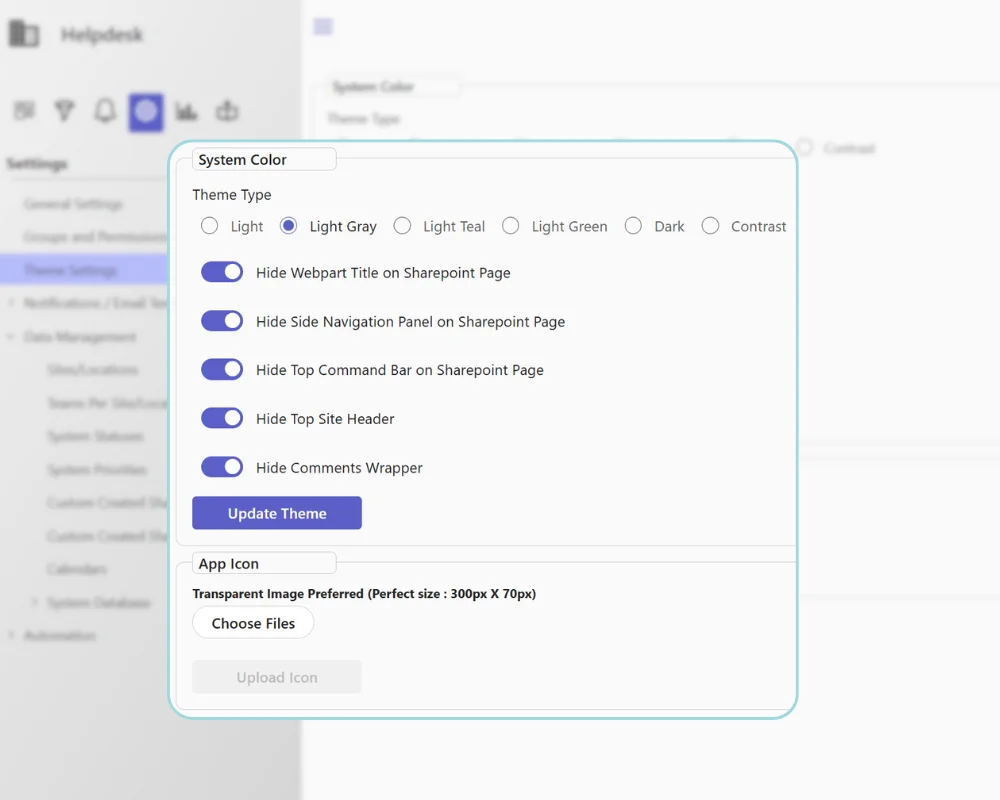
With SteadyPoint SharePoint Helpdesk software, you can create a fully branded helpdesk experience. Add your logo, apply your brand colors, and use personalized email templates.
Customize your SharePoint helpdesk to match how your organization works. Use clear categories to organize requests and keep everything structured.
Create main request types, then break them into categories and subcategories. For example, HR can add Onboarding, Training, or Vacation. Under Vacation, you can include Annual Leave or Emergency Leave.
IT teams can add types like Bug Reports or Hardware Issues. Then split them into smaller categories for better tracking. This structure helps route requests to the right people. It also lets you create forms that fit each request.
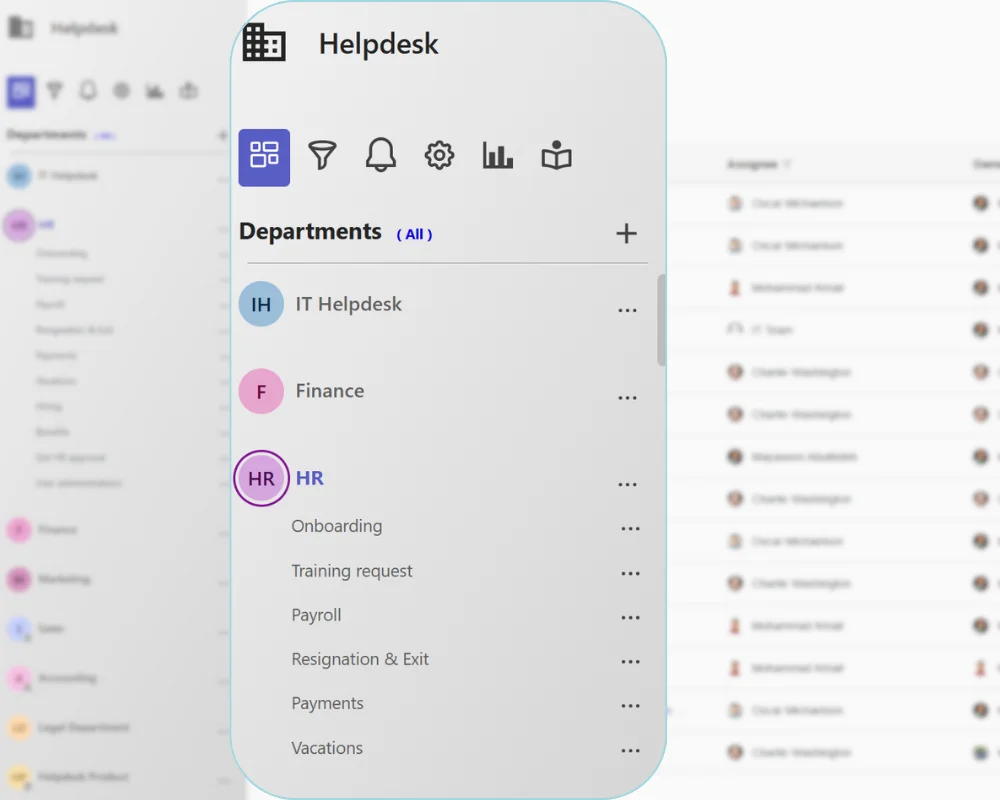
With SteadyPoint SharePoint helpdesk software, you can fully brand your helpdesk.
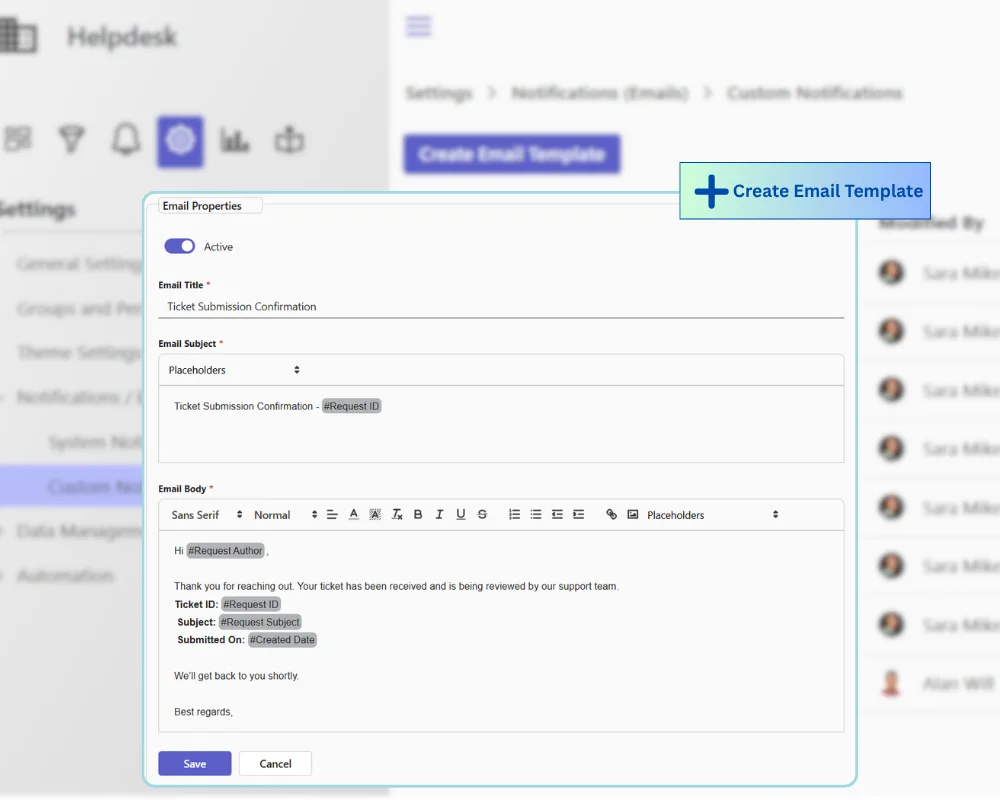
With SteadyPoint SharePoint helpdesk software, you can customize every email to match your brand and communication style.
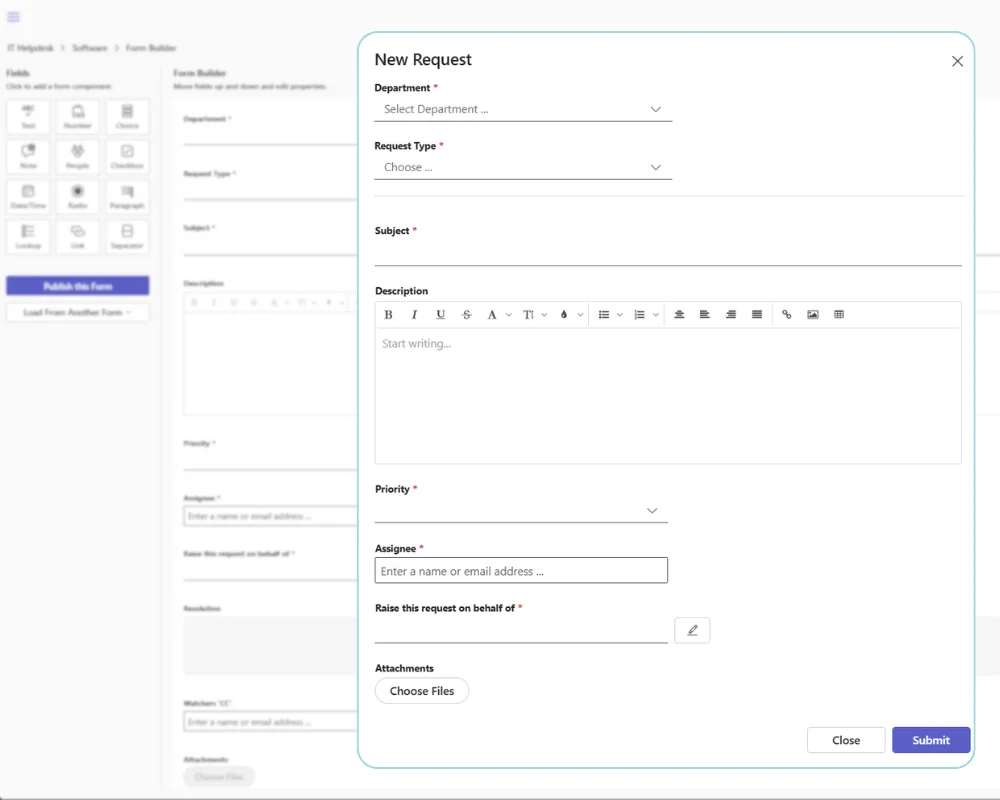
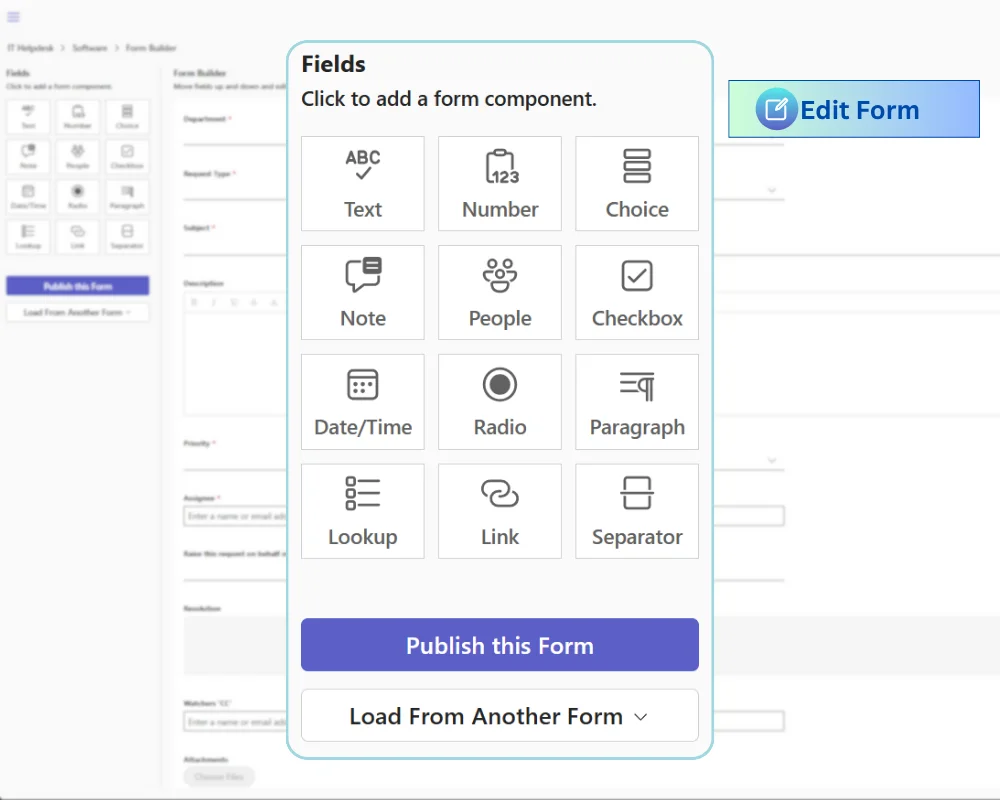
Use the default form or build your own to match what your process requires. Capture the right data without complexity.
Start with the default form that covers the basics.
It works for IT, HR, Finance, and more.
Create forms that fit your exact needs.
Simple to build. Easy to manage.
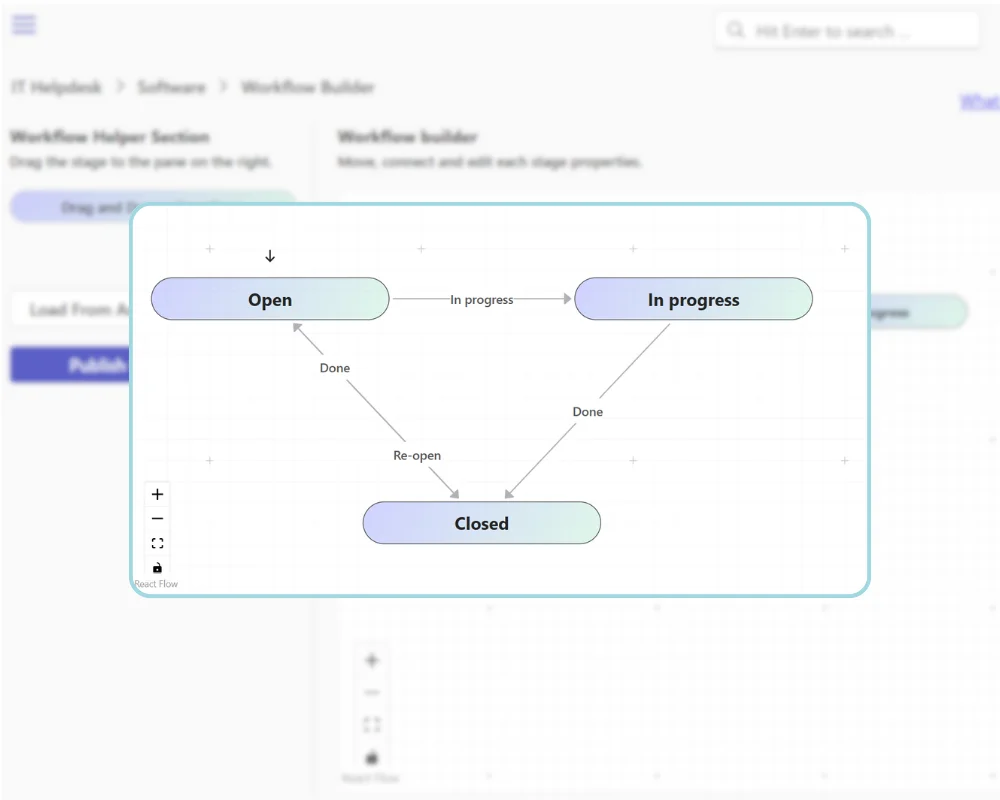
With SteadyPoint SharePoint helpdesk, you can manage tickets through clear and structured workflows. Use the default setup or build your own to match how your team works.
Start with built-in stages that cover most processes.
This keeps ownership clear and communication consistent across the ticket lifecycle.
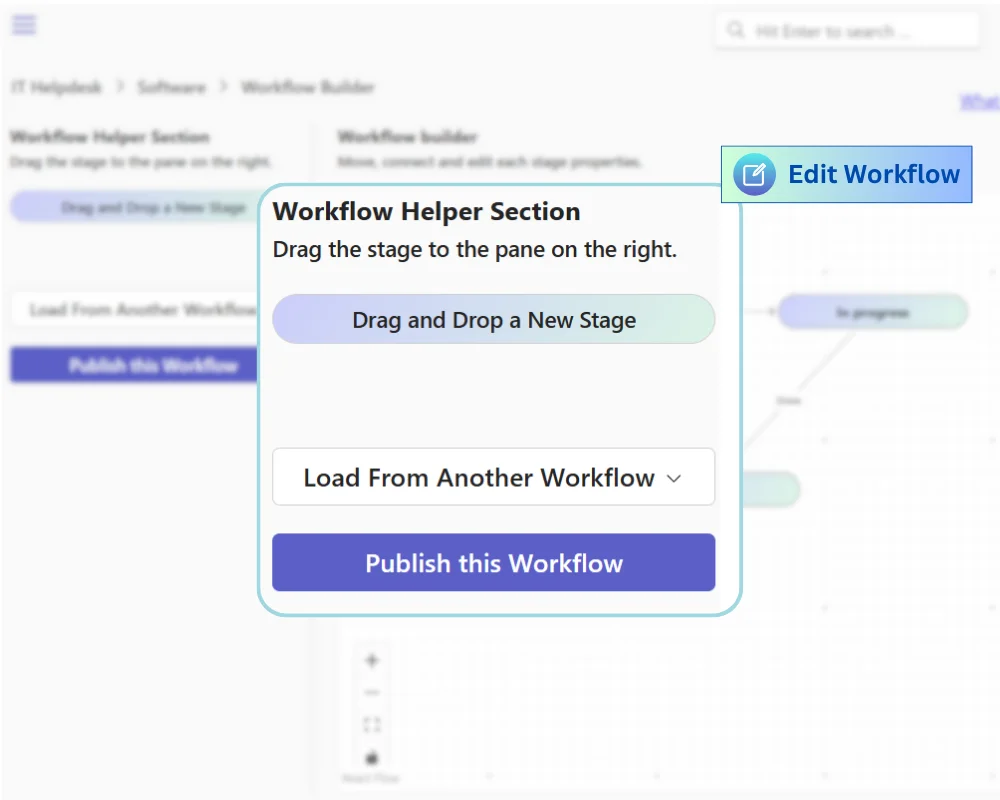
Adapt SteadyPoint SharePoint ticketing system to your exact process.
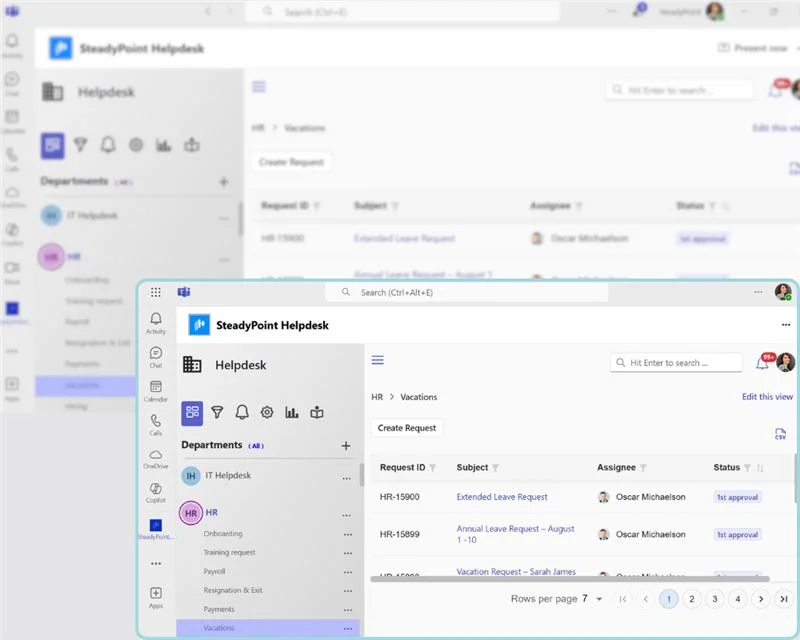
SteadyPoint SharePoint helpdesk gives you more ways to create and manage tickets. Users are not limited to the web portal. They can work from tools they already use.
With SteadyPoint SharePoint help desk, everything works inside Teams.
This keeps your team connected and responsive.
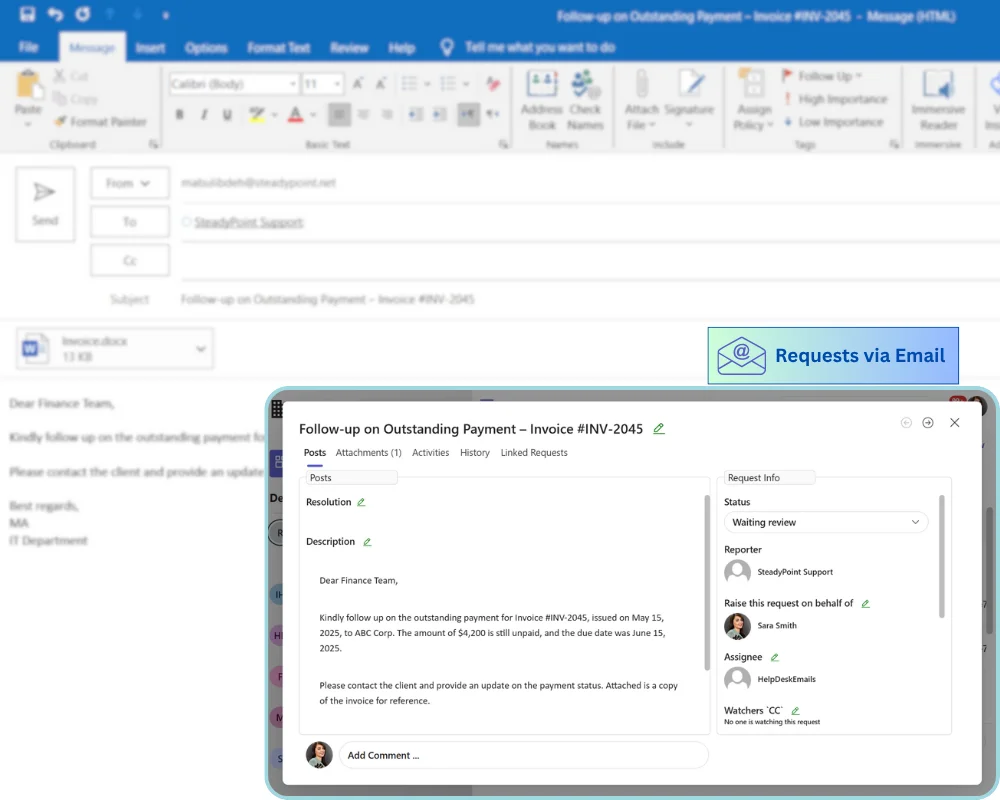
SteadyPoint SharePoint ticketing system also supports email-based ticketing.
This is ideal for working with clients or external users. They can send requests by email, with no need to log in.
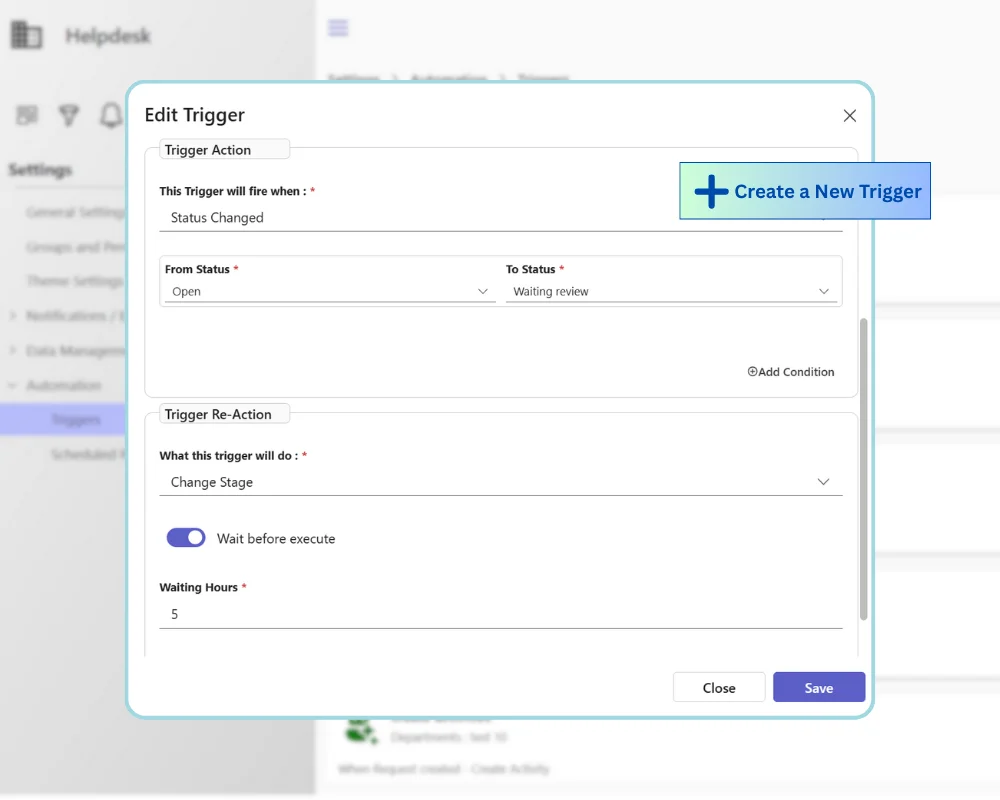
SteadyPoint SharePoint ticketing system helps you automate routine work. Reduce manual effort. Resolve issues faster and keep your team focused.
Set rules to handle repetitive tasks automatically.
This keeps communication clear and consistent across every ticket.
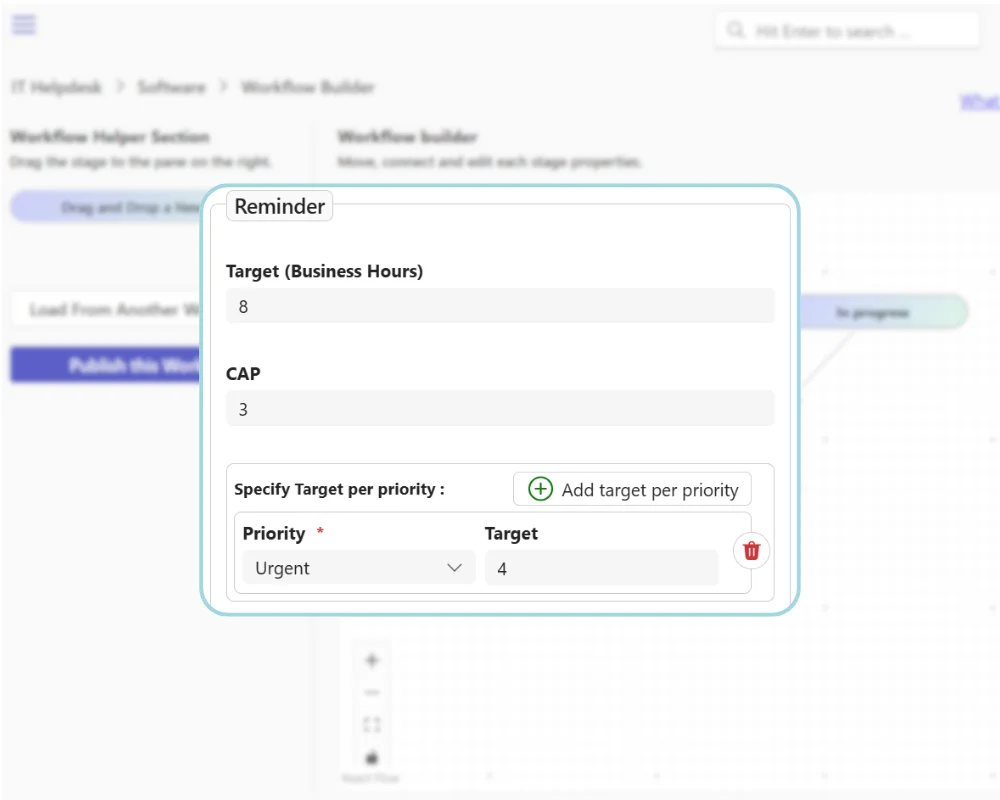
Stay on top of every task with smart reminders.
With SteadyPoint SharePoint help desk, nothing gets missed and SLAs stay on track.
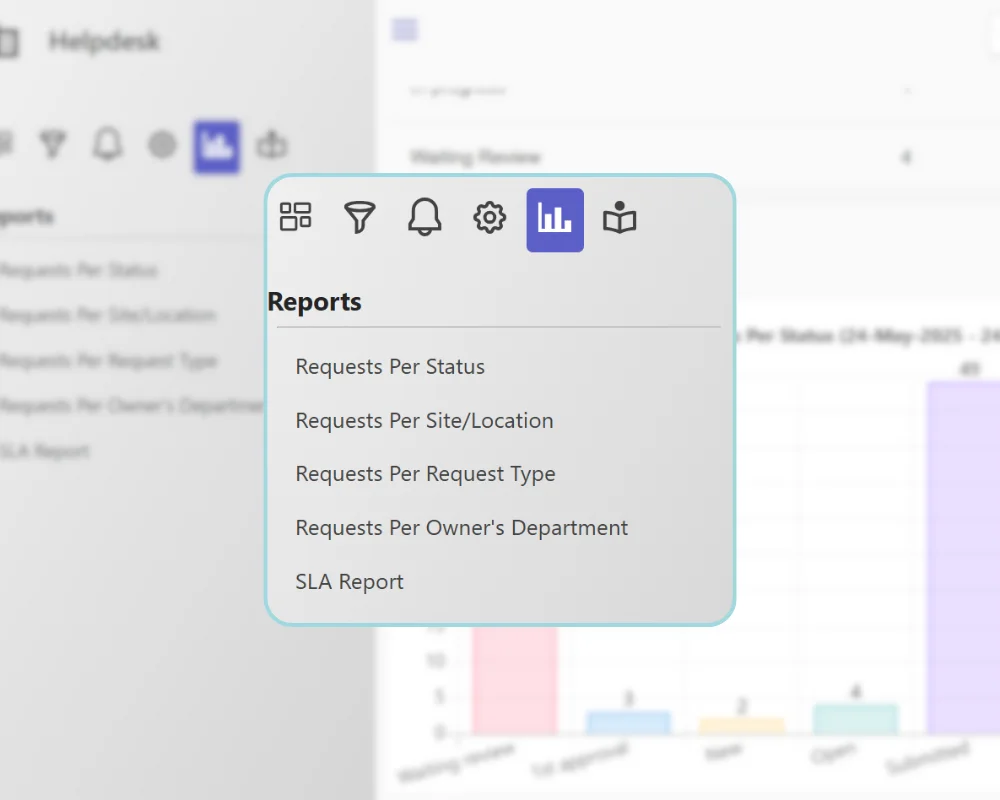
Turn your data into clear insights. Track activity, understand performance and make better decisions.
With SteadyPoint SharePoint helpdesk, you get built-in reports that show how your support team is performing. Five key report types are available
Whether it’s IT, HR, or another department, you stay in control with clear, simple insights.
Need more advanced reporting? SteadyPoint SharePoint ticketing system connects with Power BI.
Simple reporting. Better decisions.
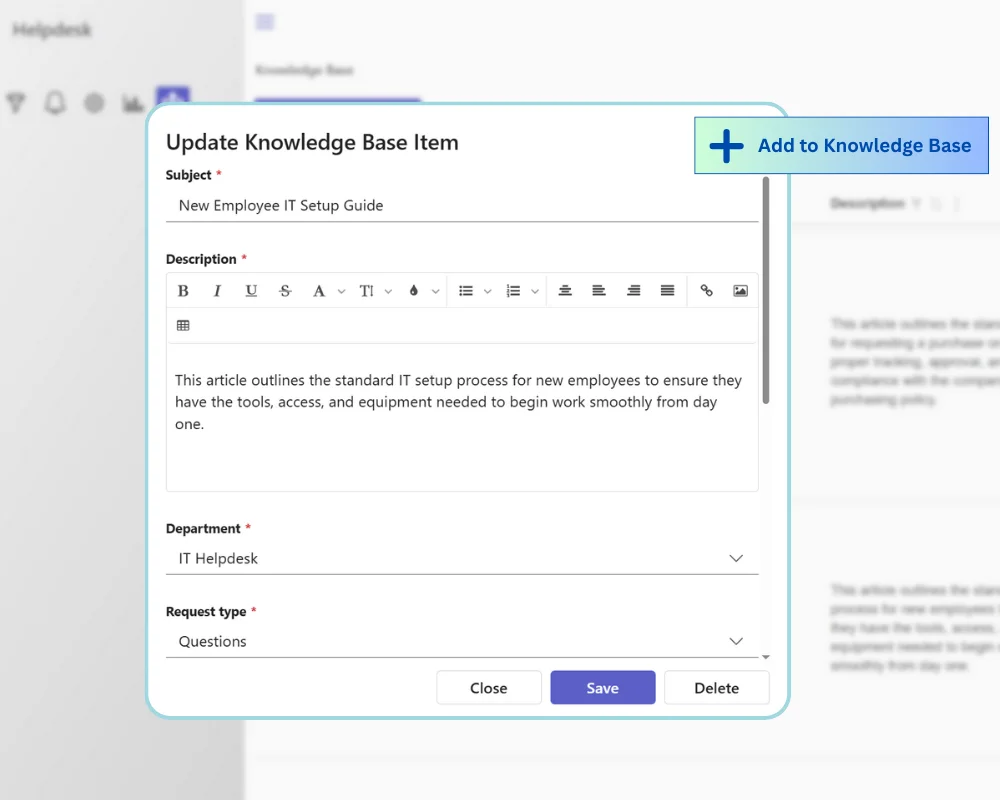
Empower users and reduce ticket volume by sharing solutions and best practices through a built-in knowledge base.
SteadyPoint SharePoint helpdesk includes a built-in knowledge base.
Comparison
| Capability | SteadyPoint Helpdesk | Generic Ticketing Tools |
|---|---|---|
| Microsoft Teams | Works directly inside Teams for creating and managing tickets. | Usually needs extra tools or switching between apps. |
| Data storage | Data stays inside your Microsoft 365 tenant on SharePoint Online. | Data is often stored outside your Microsoft environment. |
| Workflows | No-code setup for routing, reminders, and ticket steps. | Often requires technical setup or vendor support. |
| Setup speed | Quick to deploy with minimal effort. | Slower setup due to integrations and migration work. |